Does Stocard still work? No — here's where to move your loyalty cards
If you kept your loyalty cards in Stocard, you have probably noticed: the app is gone. Here is what happened, where your cards are now, and how to choose what comes next — including a way for everyone at home to use the same cards.
What happened to Stocard
Klarna bought Stocard in 2021 and gradually moved its loyalty cards into the Klarna app. The standalone Stocard app was then switched off country by country — some people were told as early as 2024, others later — and it is no longer in the app stores.
If you accepted the move, your cards now live inside Klarna. That is a payments app, so using it means having a Klarna account, and some things Stocard users relied on did not make the trip — the Apple Watch app, for one.
Your options now, compared honestly
Stay with Klarna. The most direct route: cards that were moved are already there. It makes sense if you use Klarna anyway. If you don't, it is a payments app to install and an account to open just to show a card.
Your phone's wallet. On Android, Google Wallet lets you add many loyalty cards yourself by scanning them. On iPhone, Apple Wallet only takes cards a store publishes for it, or passes made with a converter app — so it depends on the store.
A dedicated card app. Some apps do only this: store the barcode and show it. A good fit if the cards are only ever used by you.
An app the whole family shares. If more than one person at home does the shopping, the card is needed by whoever is at the checkout. That is the gap Sync & Shop fills.
Why shared cards matter
In a family, the person at the checkout is often not the person who has the card. It stays in one wallet or on one phone, and the points or the discount are lost.
In Sync & Shop you scan a card once and everyone in your group can show it — or you mark it Only me and it stays yours. The cards sit next to the shopping list, so whoever is doing the shopping has both in the same app.
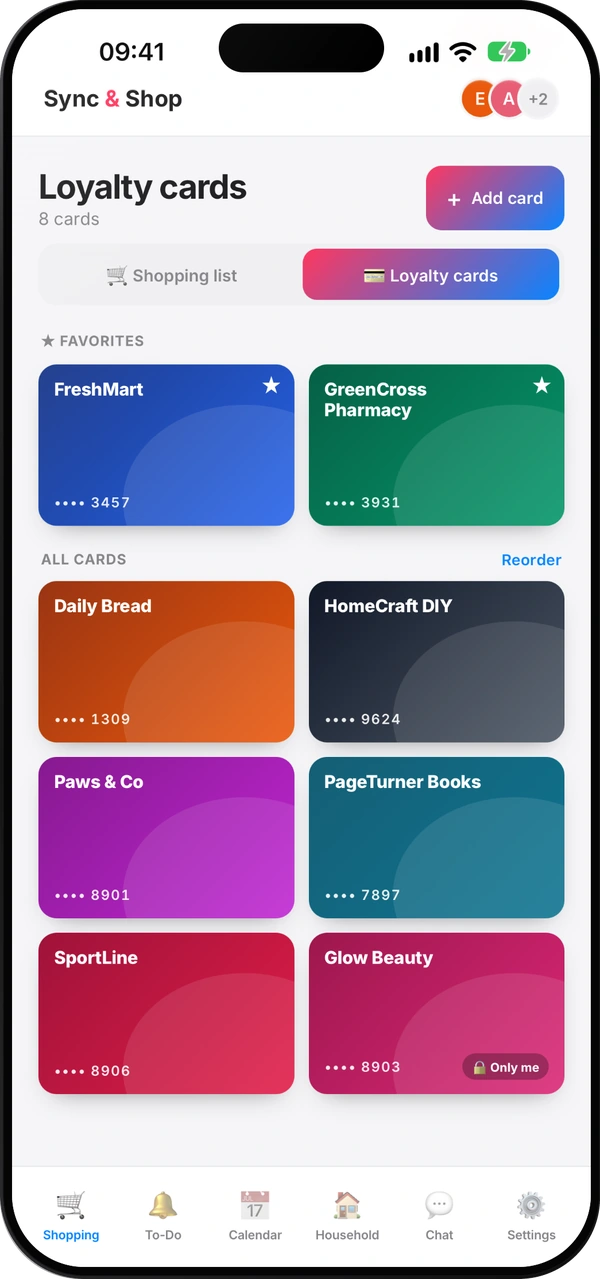
How to move your cards to Sync & Shop
- Open Shopping and switch to Loyalty cards.
- Tap Add card and scan the barcode with the camera — from the plastic card or, usually, from the screen of the phone the card is on now. You can also type the number.
- Give it the store's name: a barcode doesn't say which store it belongs to.
- Choose who sees it: The whole group or Only me.
There is no automatic import from Stocard or Klarna, so each card is added once, by hand. For most people that takes a few minutes.
One thing to check first: many loyalty programs are personal and tied to one holder. Share a card with your group only where the program's rules allow it.
Questions people ask
Does Stocard still work?
No. The Stocard app has been shut down and is no longer in the app stores; the cards were moved to the Klarna app.
Did I lose my cards?
If you accepted the move to Klarna, they are there. If you didn't, the Stocard app itself is no longer available, so add them again from the plastic cards.
Do I have to scan my cards again?
Yes, once. In Sync & Shop you scan each card or type its number; after that, everyone you share it with has it too.
Is Sync & Shop free for loyalty cards?
Yes. Loyalty cards are unlimited on every plan, including the free one.
What if my barcode can't be shown?
Most barcodes are redrawn in full, QR codes included. For three rarer types — Data Matrix, PDF417 and Aztec — the app shows the number large for the cashier instead.
Your cards, next to the shopping list
Free, for the whole family.
Read next
How to share loyalty cards with your family
Why the family's cards belong on everyone's phone, which to keep private, and how to set it up in minutes.
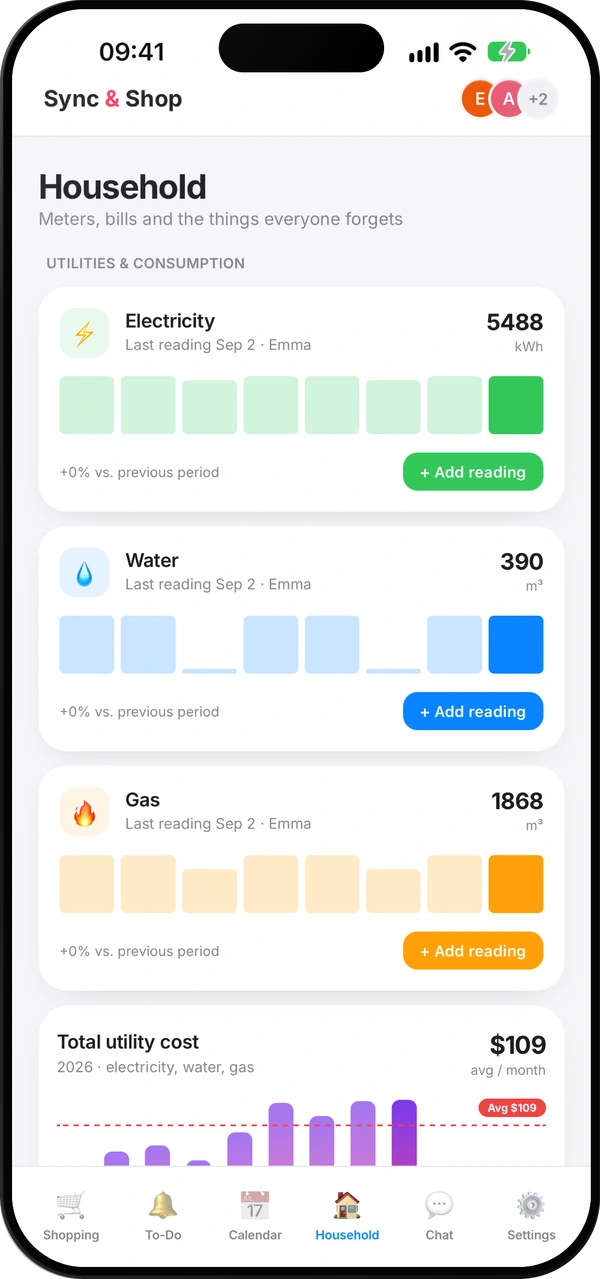
How to read your water, gas and electricity meters
Which digits to write down, how to spot a leak, and a monthly routine that keeps your bills honest.
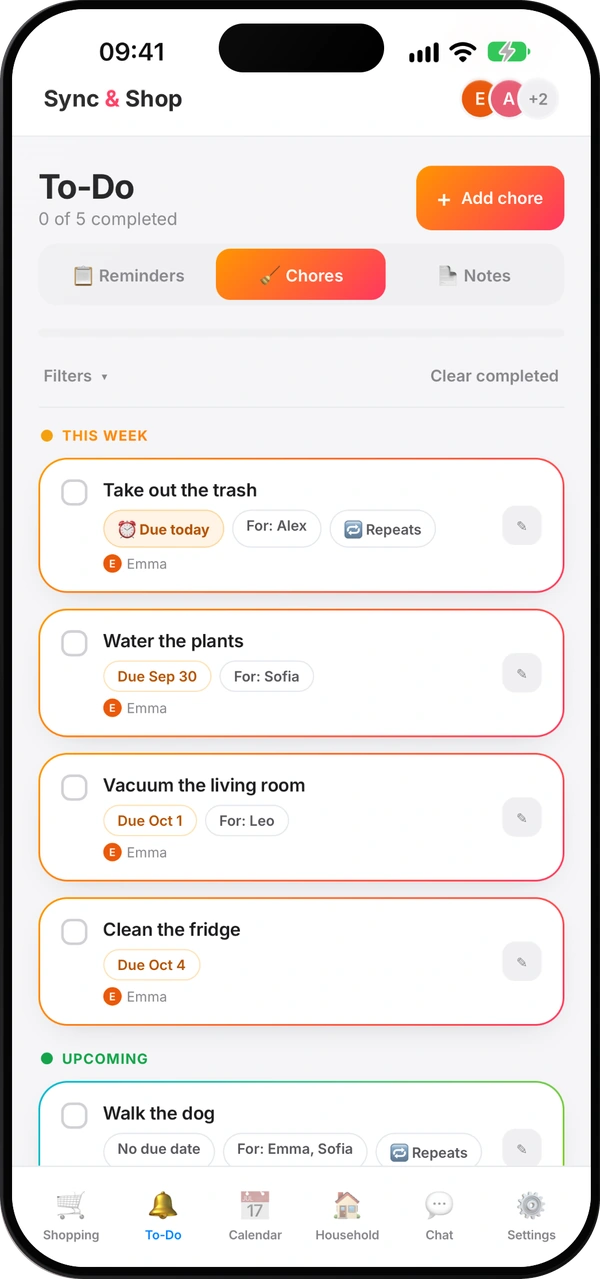
How to split household chores fairly
A simple method so nobody carries everything in their head — and nobody has to remind anyone ten times.
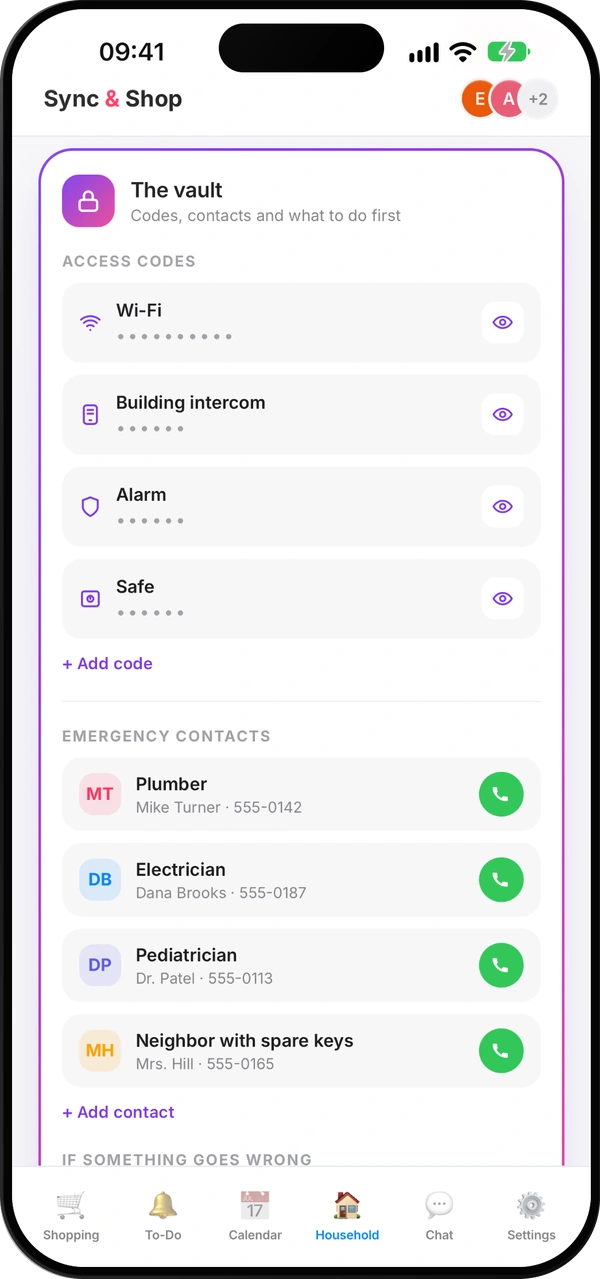
What everyone at home should know in an emergency
The numbers, contacts and first steps everyone at home should find in seconds — and how to keep them current.
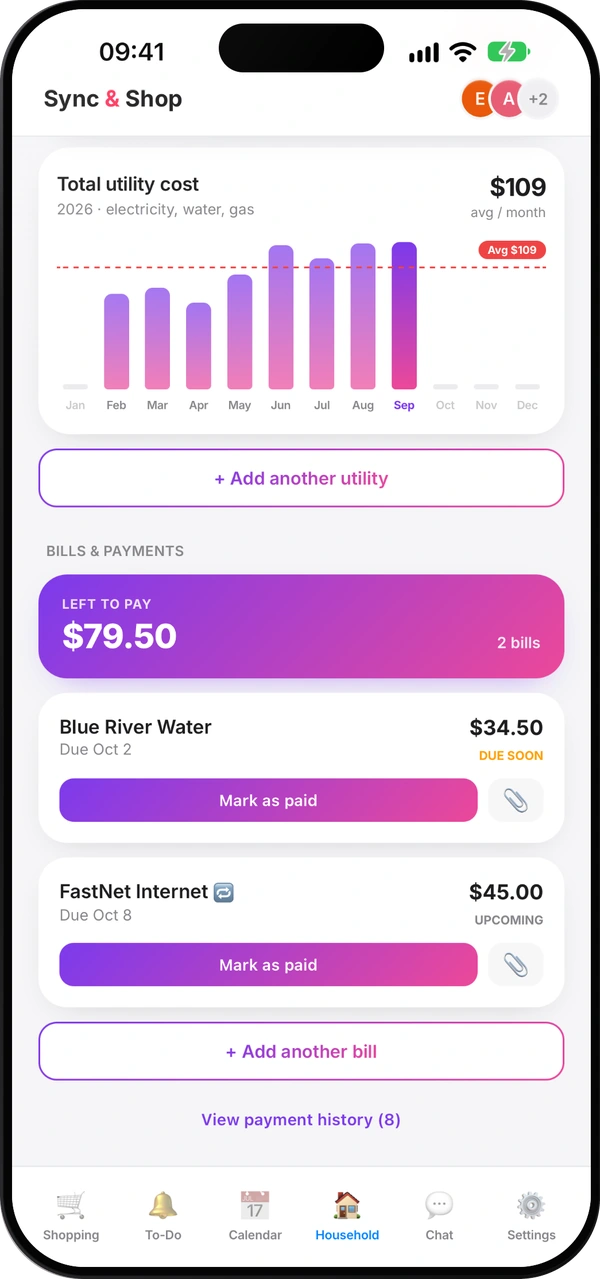
How to split costs with roommates without arguments
Agree early, pick a fair split, use a shared pot for small things and settle up on a fixed day.
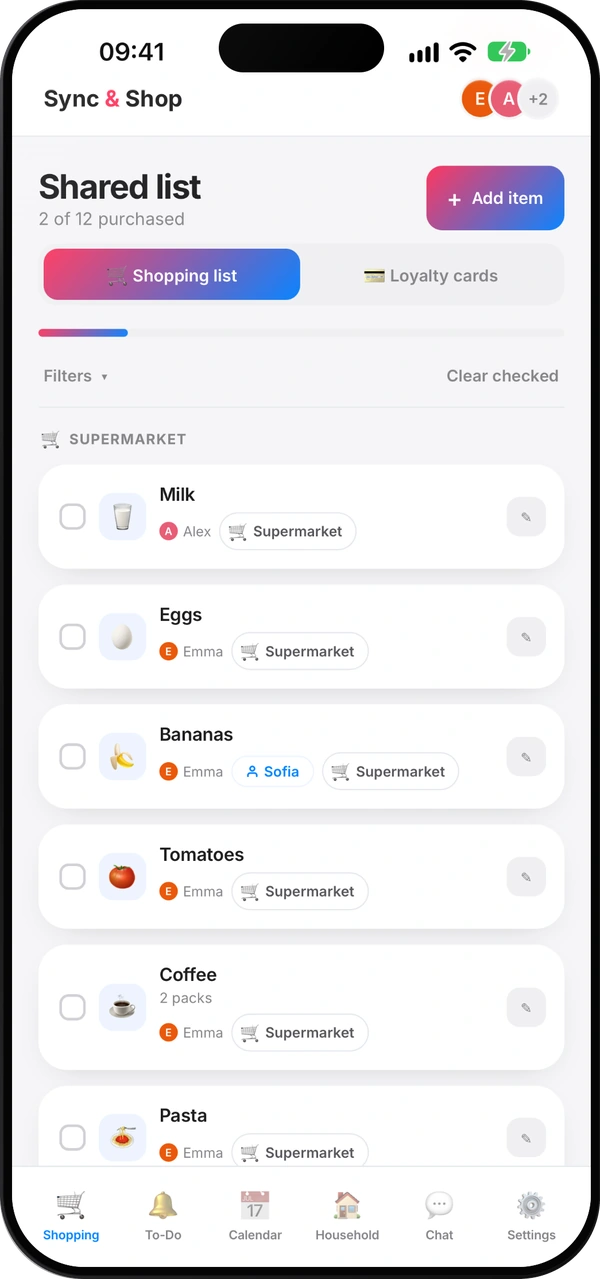
How to make a shopping list that saves you money
Check what you have, plan a few meals, sort by shop and keep one list for the whole household.
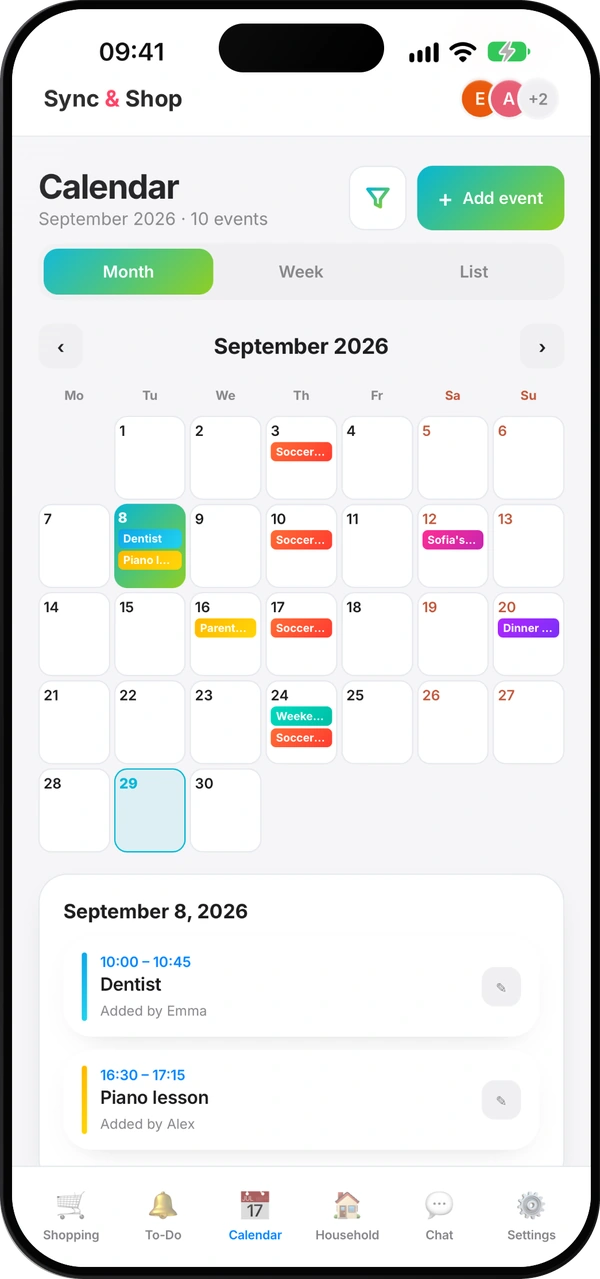
A family calendar that everyone actually uses
One shared calendar instead of five, what goes in it, and a ten-minute look ahead each week.