A family calendar that everyone actually uses
Most families don't lack a calendar — they have five: one on each phone, one on the fridge, and one in someone's head. Here is how to bring it down to one that everybody checks, without turning planning into a chore of its own.
One calendar, not five
The problem is rarely a missing appointment. It is the appointment one person knew about and nobody else did. A single shared calendar fixes that: whoever adds something, everyone sees it — including the person who has to drive.
What to put in it
More than you think. School events and holidays, after-school activities, doctor and dentist appointments, birthdays, trips, visits, and the dates bills or forms are due. If it changes who is where, or who needs to be home, it belongs in the family calendar.
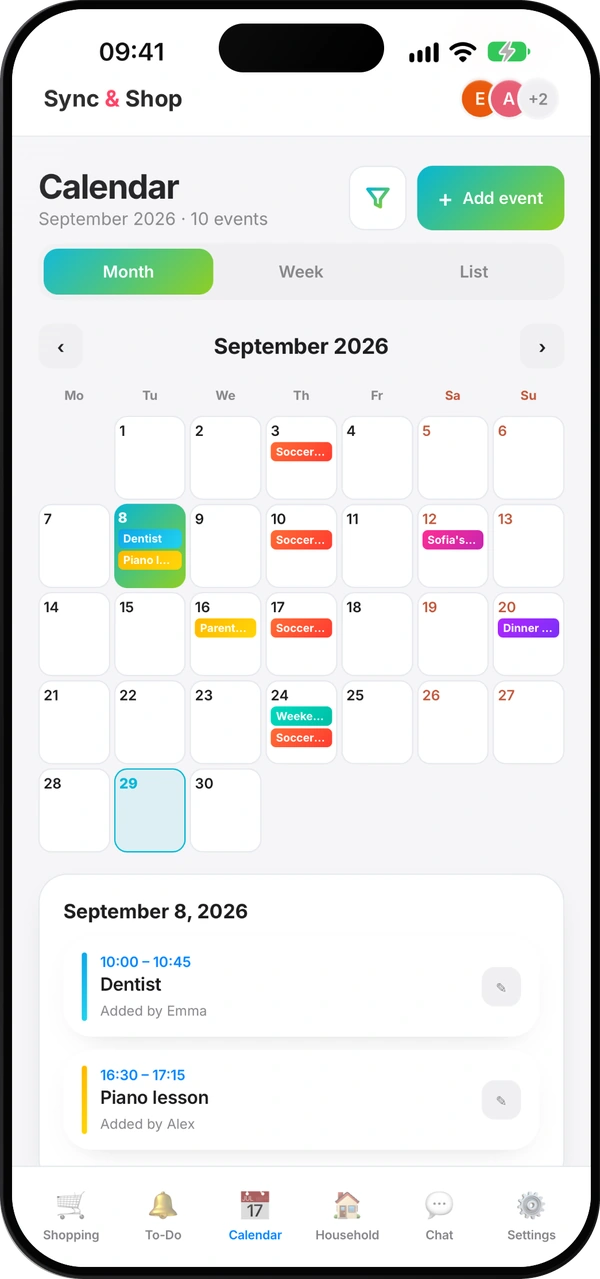
For weekly things — a music lesson, training — add them once and let them repeat, instead of typing them every week.
Ten minutes, once a week
Pick one moment — Sunday evening works for many families — and look at the week ahead together. Who drives where, which evenings are busy, what needs preparing. Ten minutes on Sunday saves a dozen messages during the week.
Bring in what you already have
You don't have to start from zero. If your events are already in Google Calendar, or in the calendars on your iPhone, bring them in once, then keep adding new things to the shared calendar.
Doing it with Sync & Shop
Open Calendar and tap Add event: a title, a date and time, a category, and a repeat for the weekly things. Switch between Month, Week and List depending on whether you are planning ahead or checking today. Everyone in the group sees the same calendar.
From Settings you can import upcoming events from Google Calendar, or on an iPhone from the calendars already on it. The import copies them in: after that they are ordinary Sync & Shop events, and changes made here don't go back to the original calendar.
The free plan holds up to 100 calendar events; PRO removes the limit and adds calendar notifications.
Questions people ask
Can we keep using Google Calendar?
Yes. You can import your upcoming events once; after that, add shared family events in Sync & Shop so everyone sees them.
Do changes sync back to Google or iPhone calendars?
No. Imported events are copied in; editing them in Sync & Shop doesn't change the original calendar.
Can an event repeat every week?
Yes. Set a repeat when you add it, and it appears on every date.
Who sees the calendar?
Everyone in the group. Use one group per household, and a separate group for anything you don't want to share with them.
Is the family calendar free?
Yes, with up to 100 events on the free plan. PRO removes the limit and adds calendar notifications.
The whole family, on one calendar
Free, for the whole family.
Read next
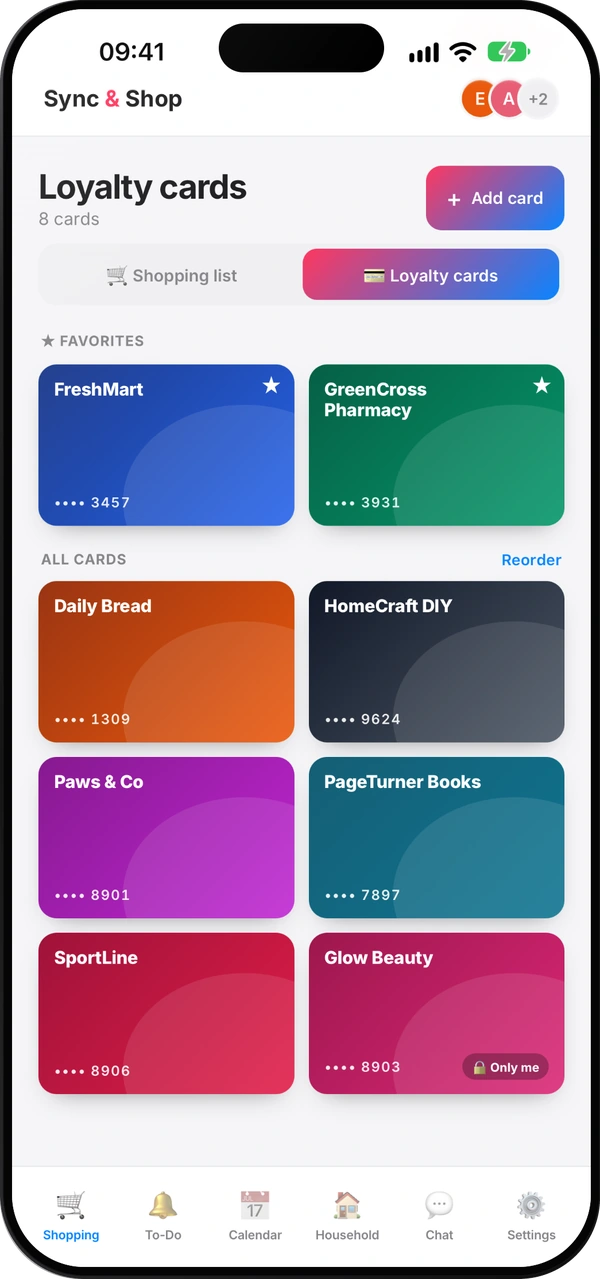
How to share loyalty cards with your family
Why the family's cards belong on everyone's phone, which to keep private, and how to set it up in minutes.
Does Stocard still work? No — here's where to move your loyalty cards
What happened to Stocard, the options you have now, and why it helps when the whole family uses the same cards.
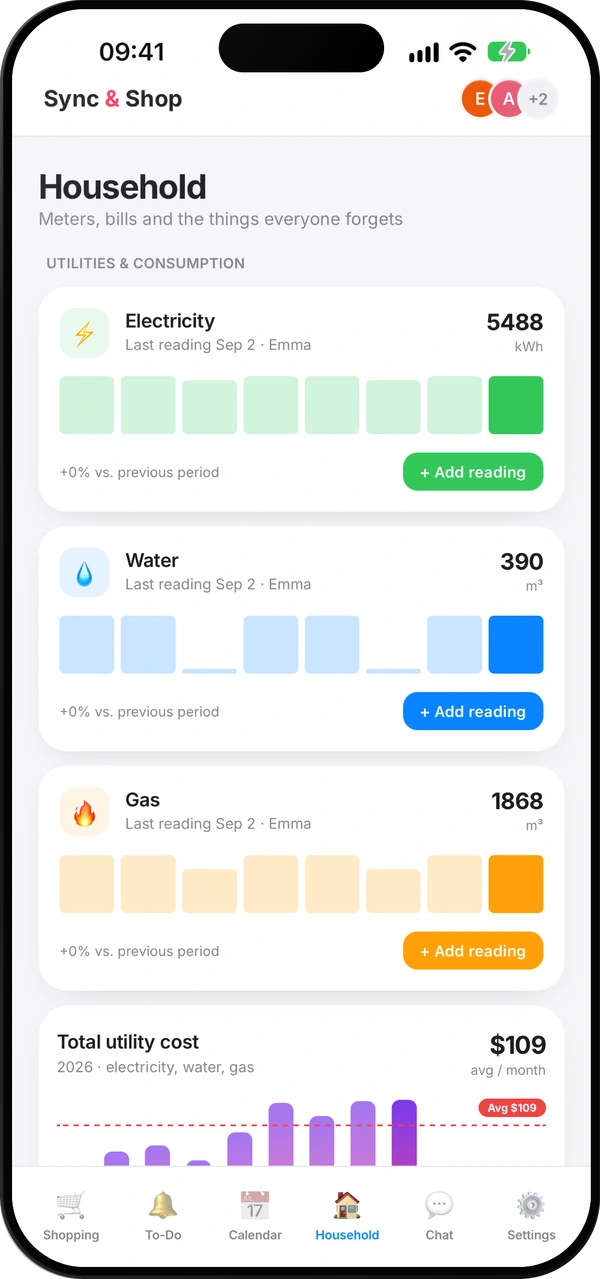
How to read your water, gas and electricity meters
Which digits to write down, how to spot a leak, and a monthly routine that keeps your bills honest.
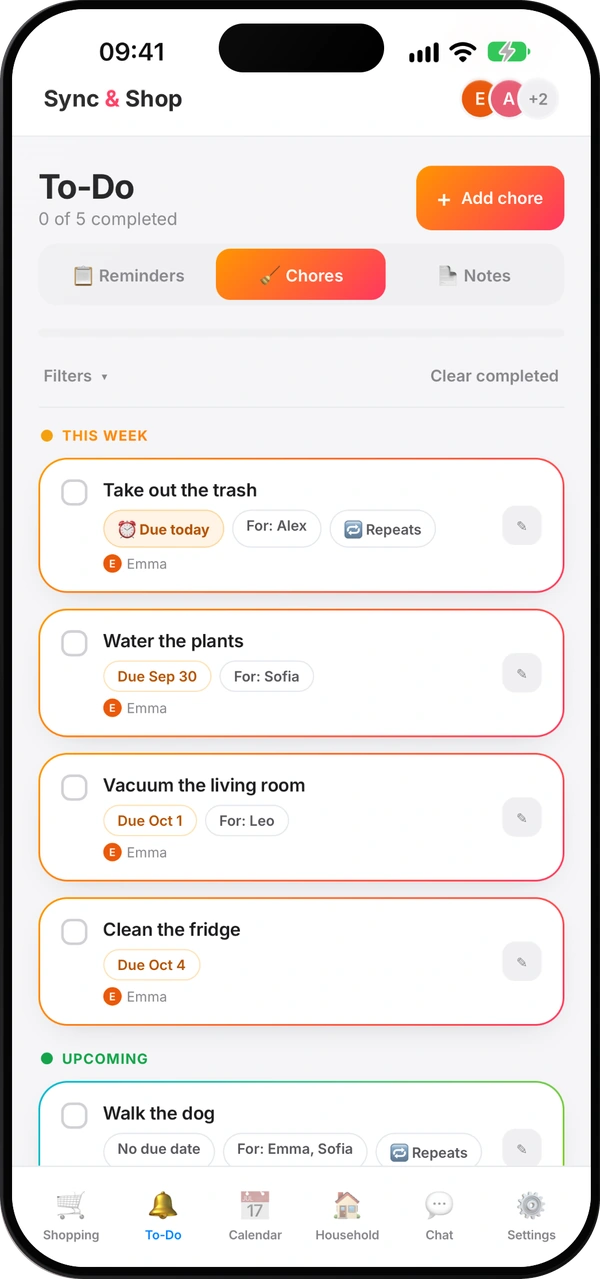
How to split household chores fairly
A simple method so nobody carries everything in their head — and nobody has to remind anyone ten times.
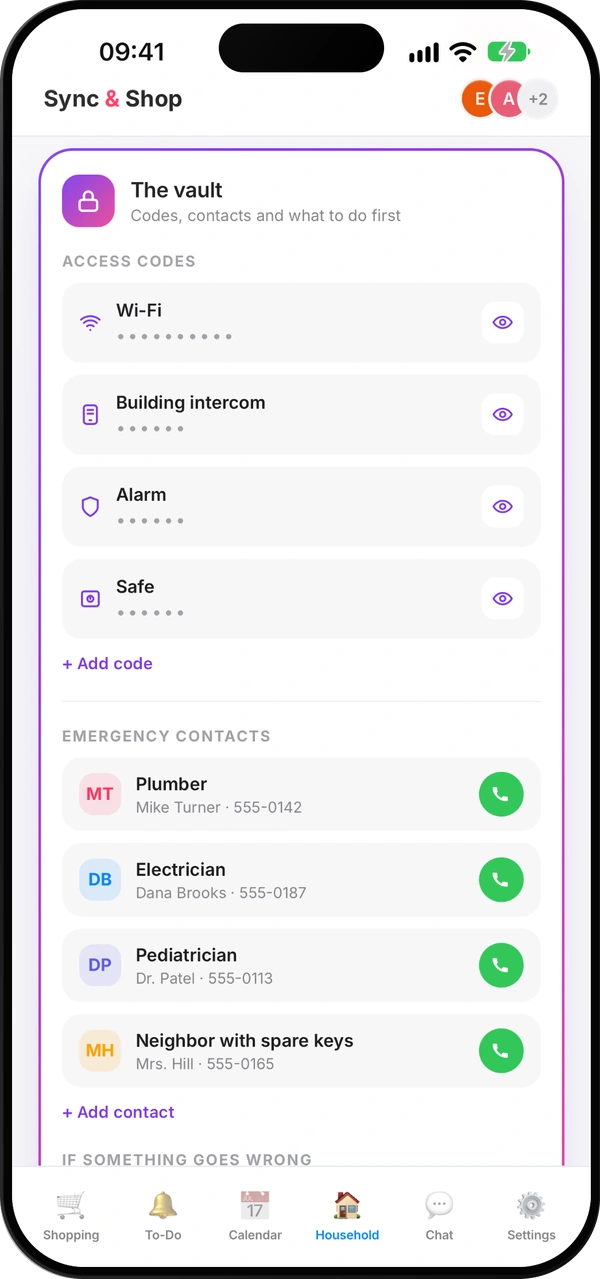
What everyone at home should know in an emergency
The numbers, contacts and first steps everyone at home should find in seconds — and how to keep them current.
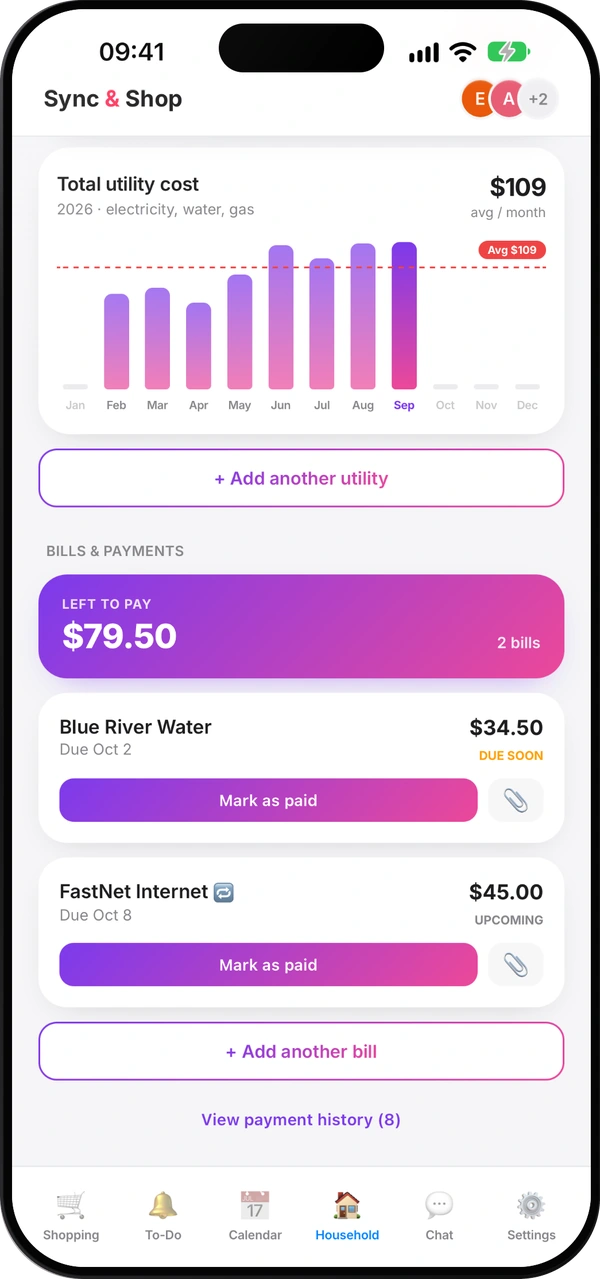
How to split costs with roommates without arguments
Agree early, pick a fair split, use a shared pot for small things and settle up on a fixed day.
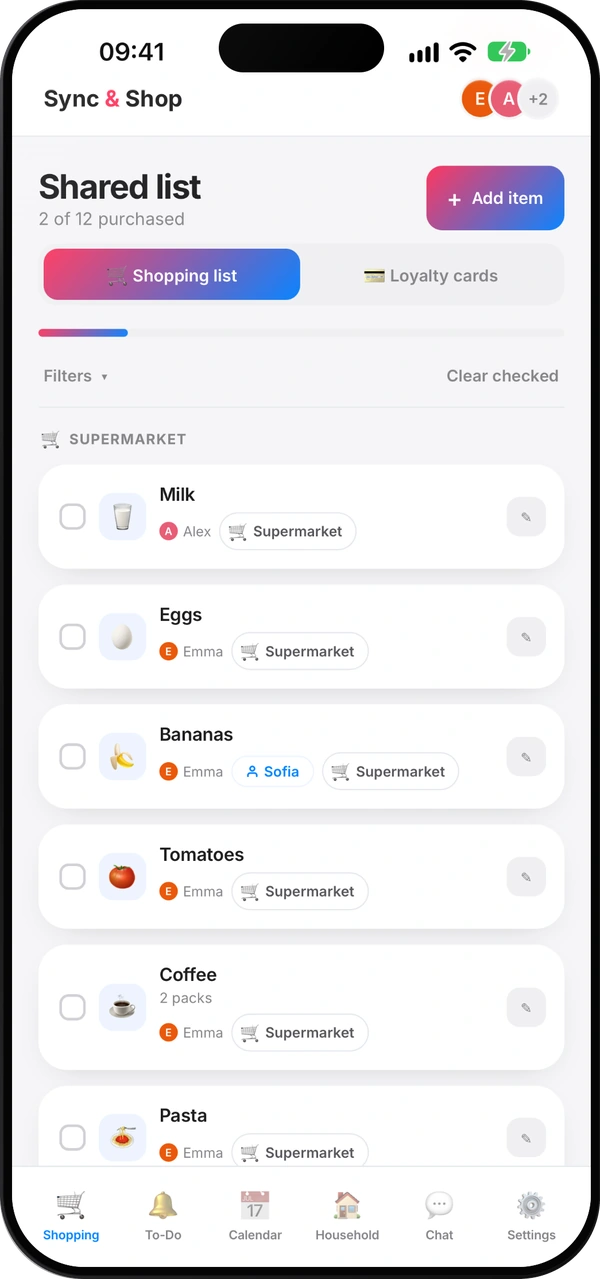
How to make a shopping list that saves you money
Check what you have, plan a few meals, sort by shop and keep one list for the whole household.