How to make a shopping list that saves you money
A good shopping list is the cheapest way to spend less on groceries. It stops the duplicates, the forgotten items that mean a second trip, and the things bought just because they were there. Here is how to make one that works — for one person or a whole family.
Start with what you already have
Before you write anything, look in the fridge, the freezer and the cupboards. Half the waste in a kitchen comes from buying what is already there, hidden behind something else. Note what needs using up first, and plan around it.
Plan a few meals, not a whole week
You don't need a full menu. Three or four main meals for the week, with a couple of evenings left open, is enough to turn a vague list into a precise one: exact ingredients, exact amounts, nothing bought "just in case".
Sort it the way you shop
Group the list by shop — the supermarket, the bakery, the pharmacy — and, inside each, roughly in the order of the aisles. You walk the shop once, you don't double back, and you spend less time passing things you didn't plan to buy.
The habits that keep the savings
Stick to the list, and eat before you go: shopping hungry makes almost everything look necessary. Bring your loyalty cards — the discount only counts if the card is at the checkout. And tick things off as you go, so you know before leaving that nothing is missing.
Doing it with Sync & Shop
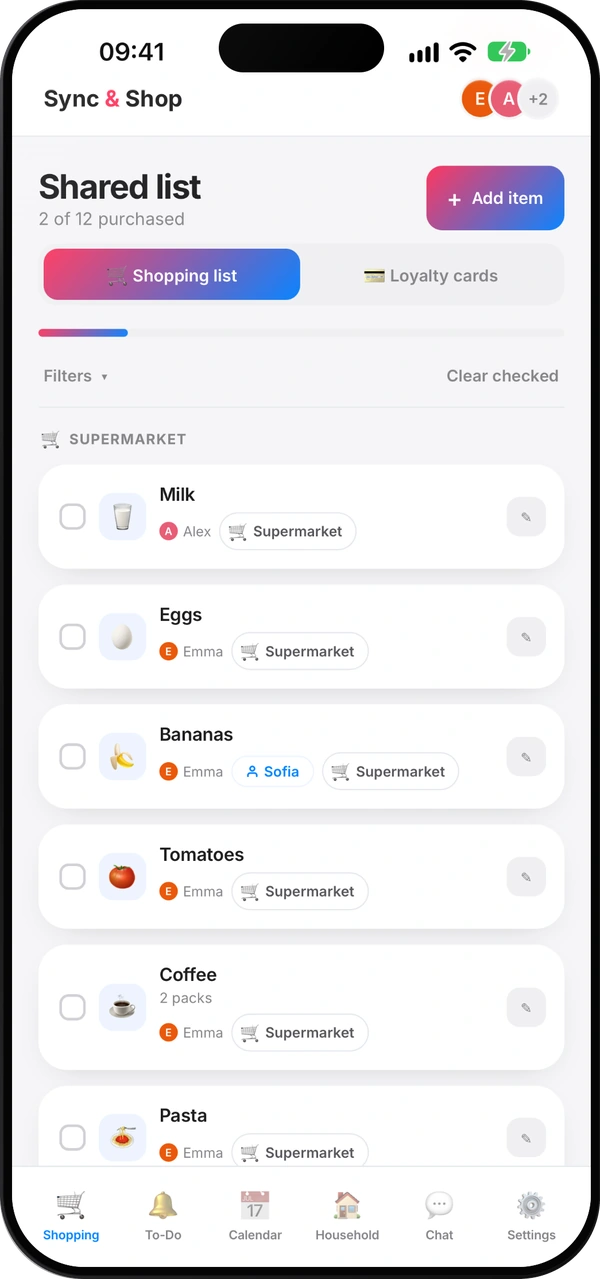
In Shopping, tap Add item, tag it with the shop, and assign it to whoever is going, if you like. Everyone in the group sees the list update the moment something is added or ticked off, and each item gets its own icon, so the list is easy to scan in the aisle.
Use Filters to see one shop at a time, and Clear checked to tidy up after the trip. In a Standard group, ticked items also disappear on their own after 24 hours; in a PRO group they stay until someone removes them. Your loyalty cards are one tab away, in Loyalty cards.
Questions people ask
Is a paper list or an app better?
Paper works for one person. For a household, a shared app is better: everyone adds to the same list and the person in the shop sees changes straight away.
How do we stop buying things twice?
Keep one list for the whole household, and tick items off in the shop as you buy them.
Can the list be split by shop?
Yes. Tag each item with its shop and filter the list by shop when you go.
Is the shopping list free?
Yes. The free plan covers groups of up to 4 members, with up to 100 open entries across the list, reminders and chores.
What happens to ticked items?
In a Standard group they disappear after 24 hours. In a PRO group they stay until someone removes them.
One list, the whole household
Free, for the whole family.
Read next
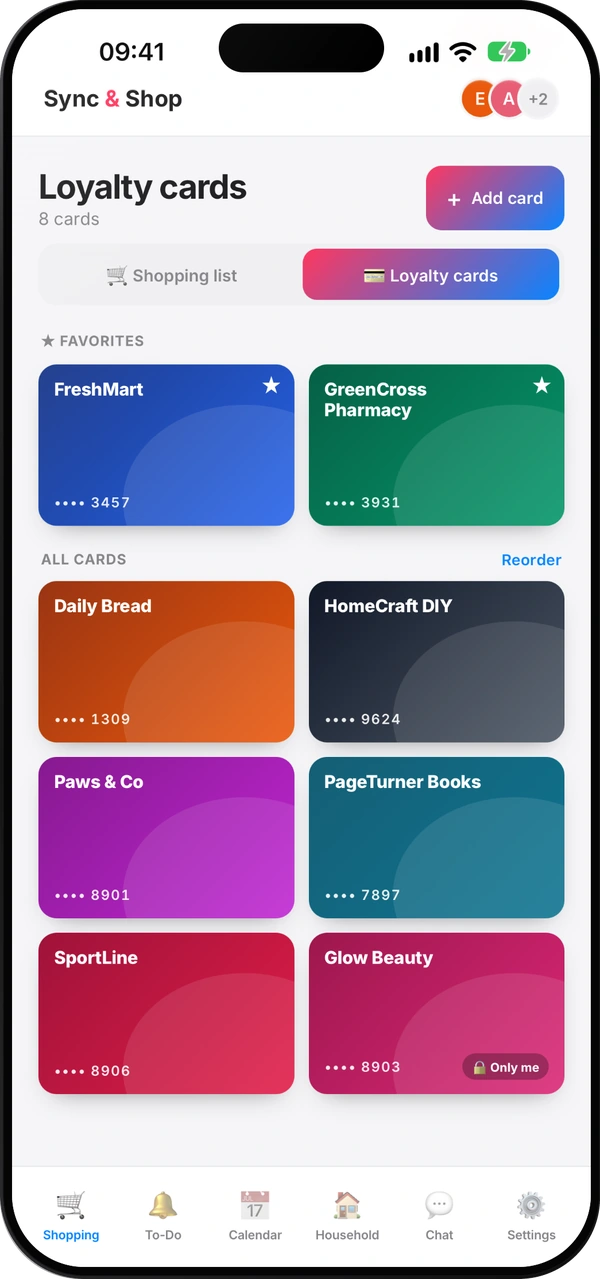
How to share loyalty cards with your family
Why the family's cards belong on everyone's phone, which to keep private, and how to set it up in minutes.
Does Stocard still work? No — here's where to move your loyalty cards
What happened to Stocard, the options you have now, and why it helps when the whole family uses the same cards.
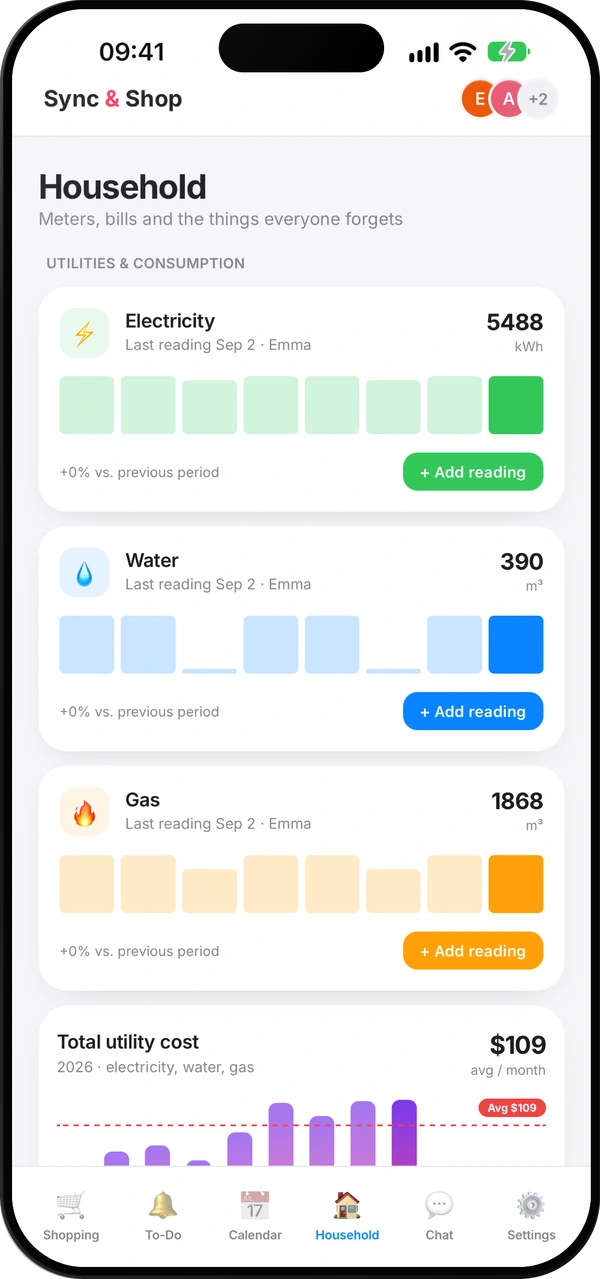
How to read your water, gas and electricity meters
Which digits to write down, how to spot a leak, and a monthly routine that keeps your bills honest.
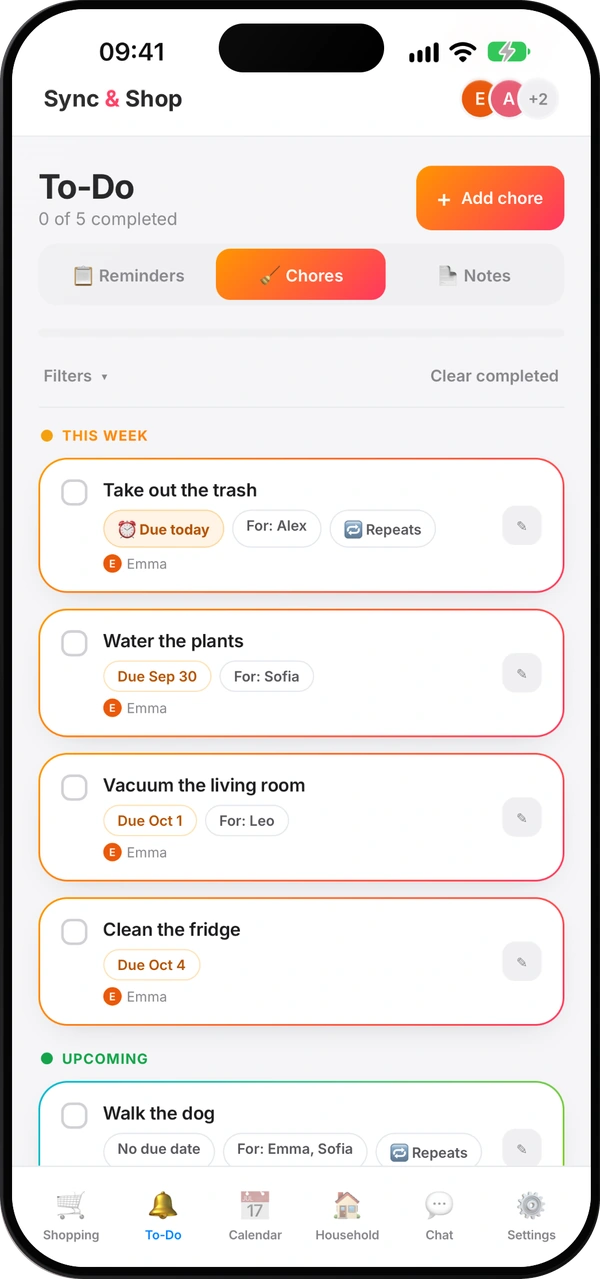
How to split household chores fairly
A simple method so nobody carries everything in their head — and nobody has to remind anyone ten times.
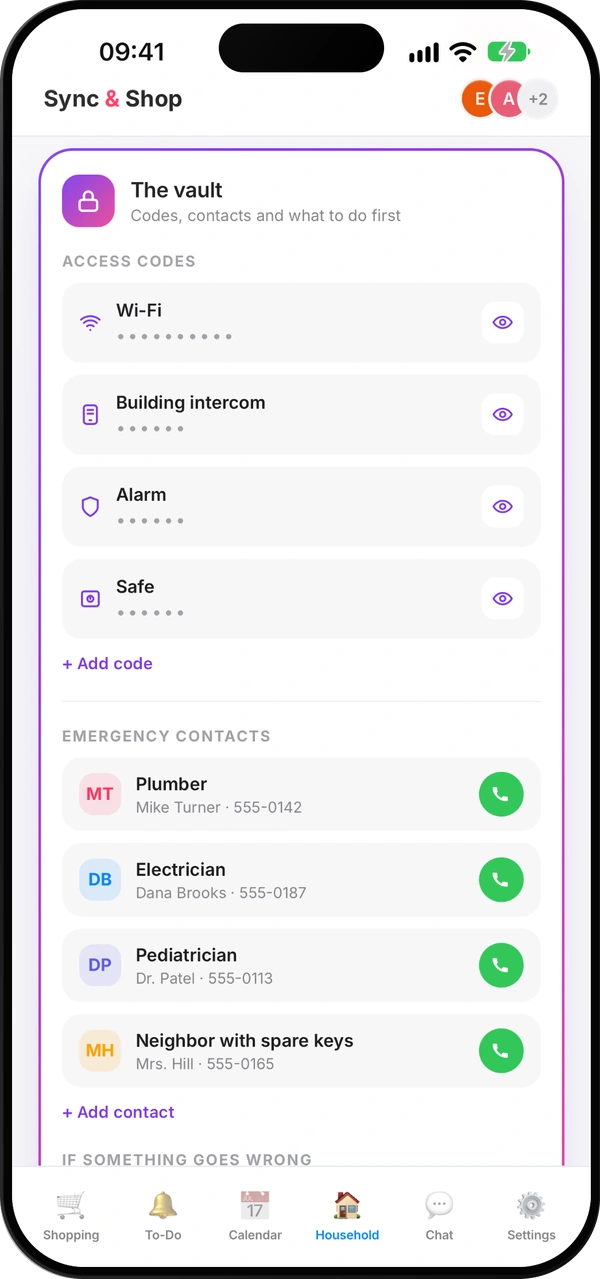
What everyone at home should know in an emergency
The numbers, contacts and first steps everyone at home should find in seconds — and how to keep them current.
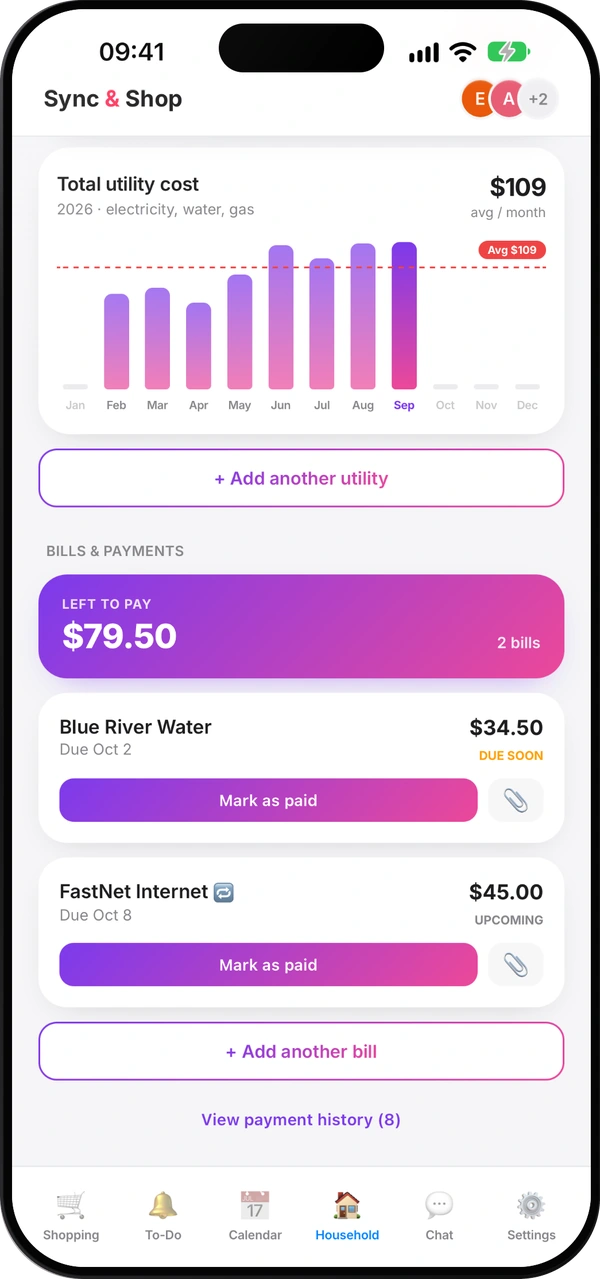
How to split costs with roommates without arguments
Agree early, pick a fair split, use a shared pot for small things and settle up on a fixed day.
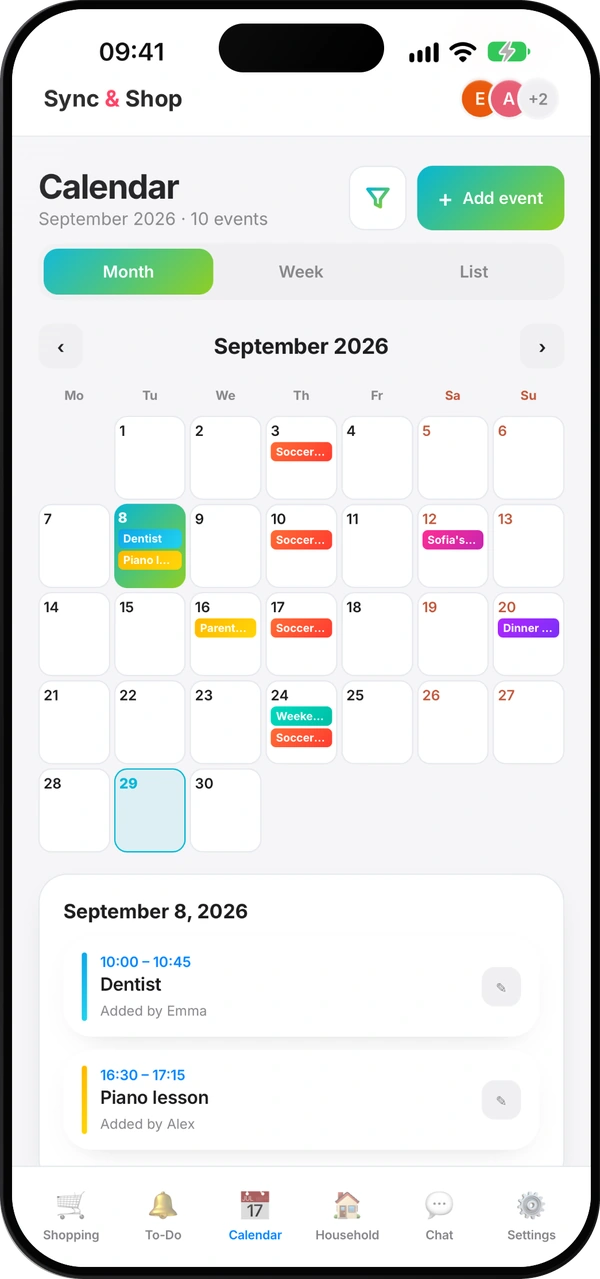
A family calendar that everyone actually uses
One shared calendar instead of five, what goes in it, and a ten-minute look ahead each week.