How to share loyalty cards with your family
In most families, the loyalty cards live in one wallet or on one phone — and the person at the checkout is usually someone else. Here is how to put the family's cards on everyone's phone, which ones to keep to yourself, and how to set it up in a few minutes.
Why it is worth sharing
Points and discounts only count when the card is at the checkout. If it stays in one person's wallet, every shop done by someone else is a discount missed — and points spread across several accounts, or lost altogether.
When everyone in the home can show the same card, the points add up in one place and nobody has to ask for a photo of a barcode while standing at the till.
Check the program's rules first
Loyalty programs differ. Some are built for households and let family members use the same card; others are personal, in one person's name, and don't allow sharing. The rules are in the program's terms, usually on the store's website or in its app.
Shared or private, card by card
You don't have to choose one or the other for everything. The family shares the cards everyone uses, and each person keeps their own cards to themselves — in the same app, side by side.
Setting it up in Sync & Shop
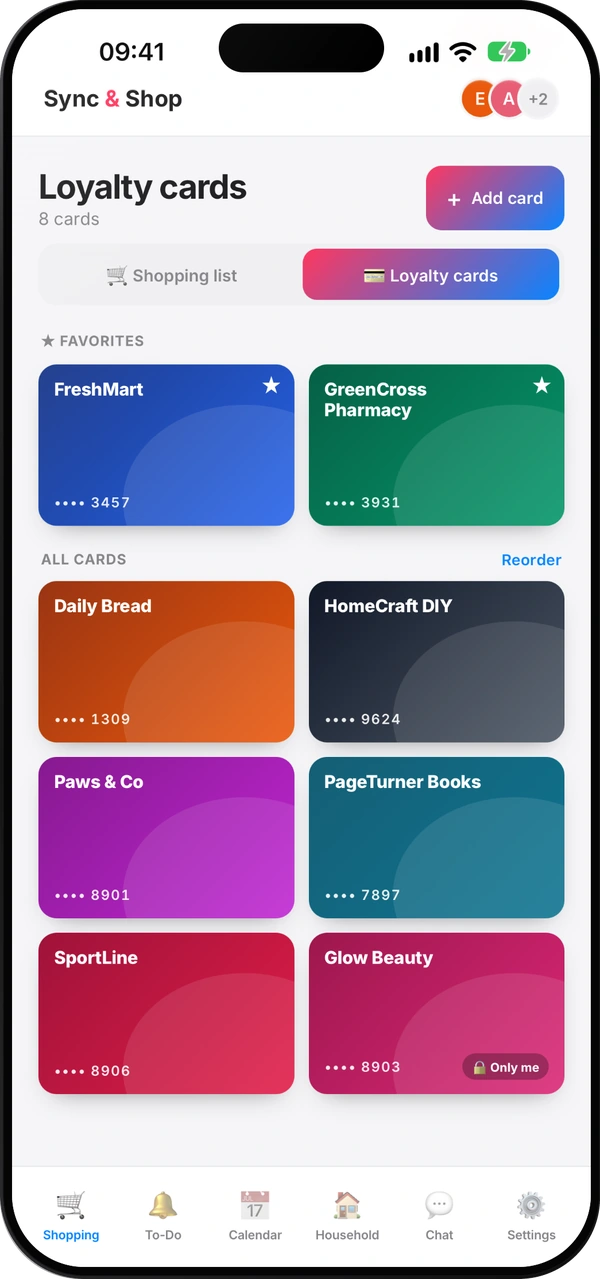
- Open Shopping and switch to Loyalty cards.
- Tap Add card and scan the barcode with the camera, or type the number.
- Give it the store's name: a barcode doesn't say which store it belongs to.
- Choose who sees it: The whole group or Only me.
A card shared with the group appears on everyone's phone in that group. A card set to Only me stays on your account alone — nobody else sees it, in any of your groups. Favourites and the order of the cards are always personal, so each person keeps the cards they use most at the top.
At the checkout, tap the card: the barcode fills the screen and the brightness goes up, so the scanner reads it first time. Loyalty cards are unlimited on every plan, including the free one.
Questions people ask
Is it allowed to share a loyalty card?
It depends on the program. Many household cards may be used by the family; others are personal. Check the program's terms before sharing a card.
Can each person keep some cards private?
Yes. When you add a card, choose Only me: it stays on your account alone and nobody else in the group sees it.
What happens to the cards if someone leaves the group?
Cards shared with the group stay with the group. Each person's private cards stay with them.
Are favourites shared too?
No. Favourites and the order of the cards are personal, so everyone keeps their own most-used cards at the top.
Is it free?
Yes. Loyalty cards are unlimited on every plan, including the free one.
The family's cards, on every phone
Free, for the whole family.
Read next
Does Stocard still work? No — here's where to move your loyalty cards
What happened to Stocard, the options you have now, and why it helps when the whole family uses the same cards.
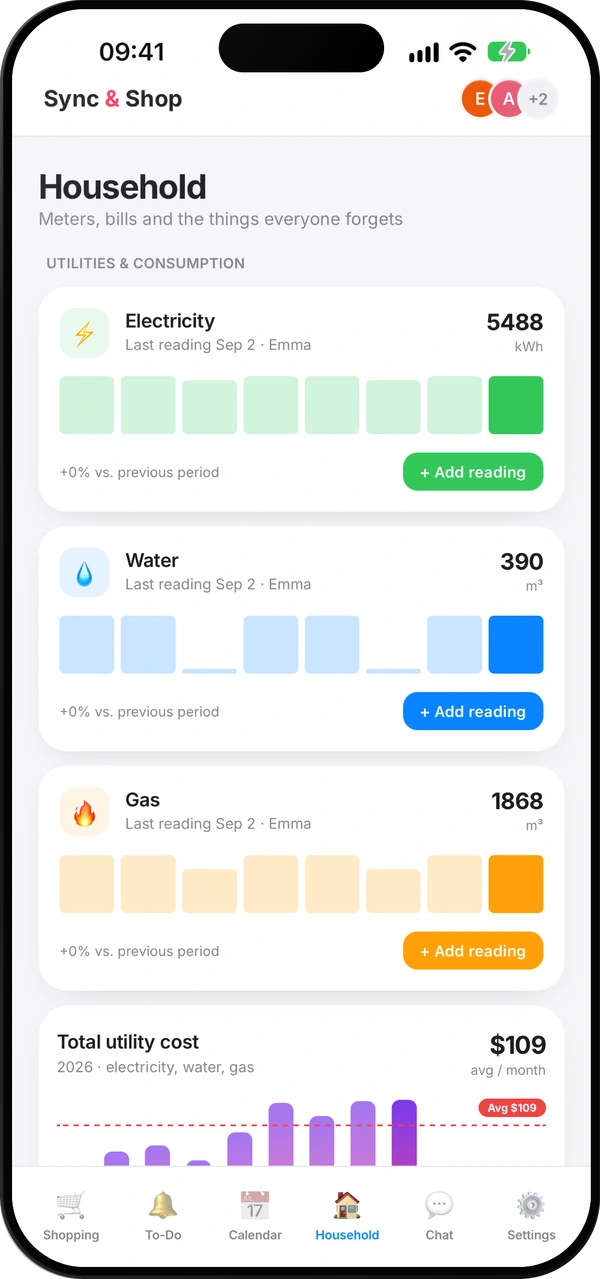
How to read your water, gas and electricity meters
Which digits to write down, how to spot a leak, and a monthly routine that keeps your bills honest.
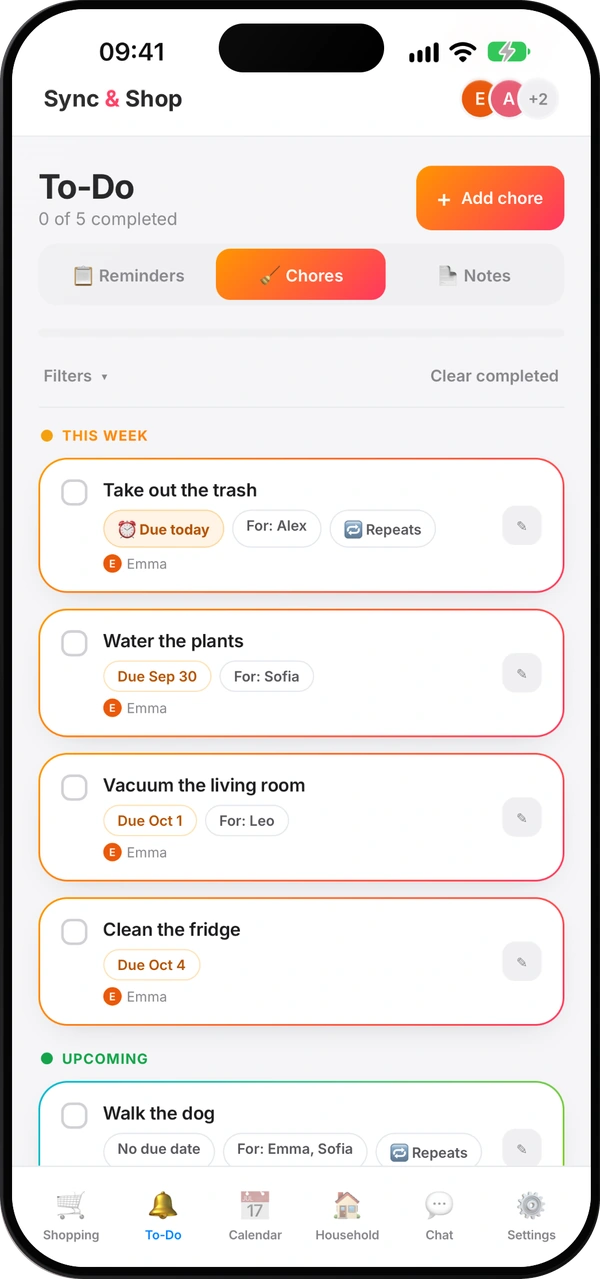
How to split household chores fairly
A simple method so nobody carries everything in their head — and nobody has to remind anyone ten times.
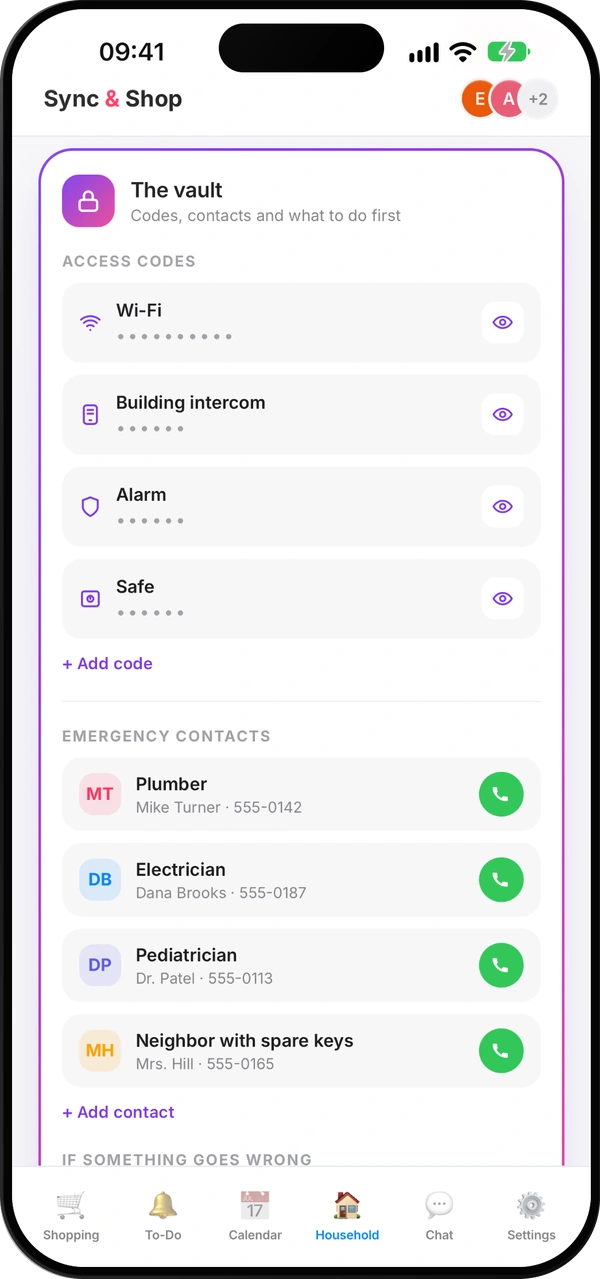
What everyone at home should know in an emergency
The numbers, contacts and first steps everyone at home should find in seconds — and how to keep them current.
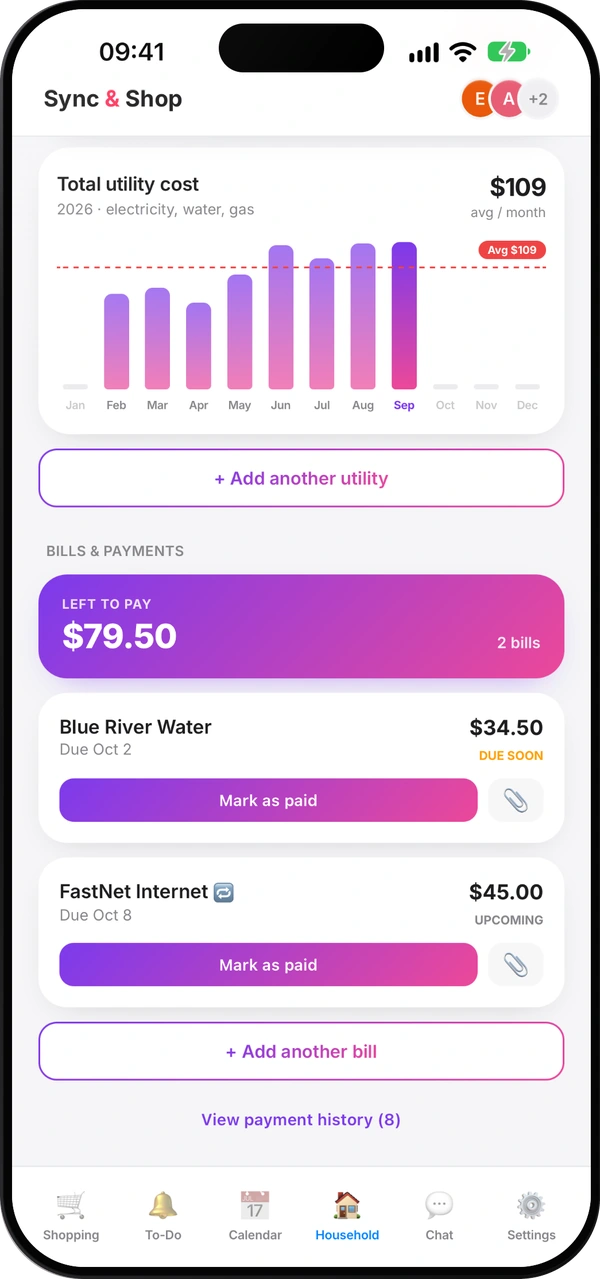
How to split costs with roommates without arguments
Agree early, pick a fair split, use a shared pot for small things and settle up on a fixed day.
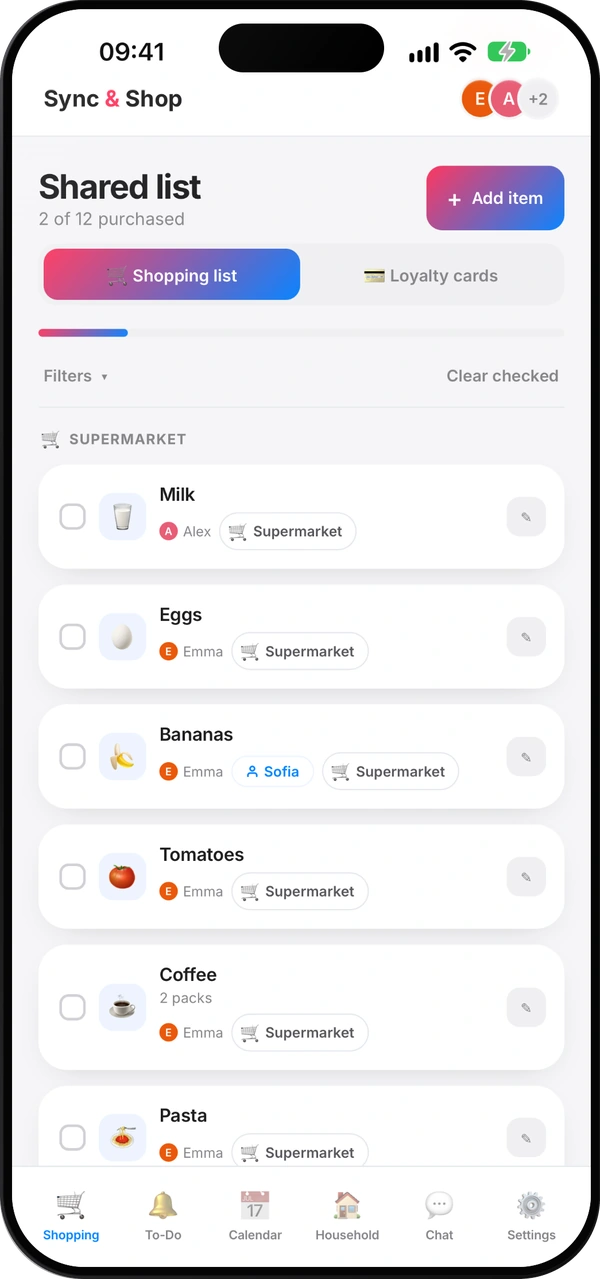
How to make a shopping list that saves you money
Check what you have, plan a few meals, sort by shop and keep one list for the whole household.
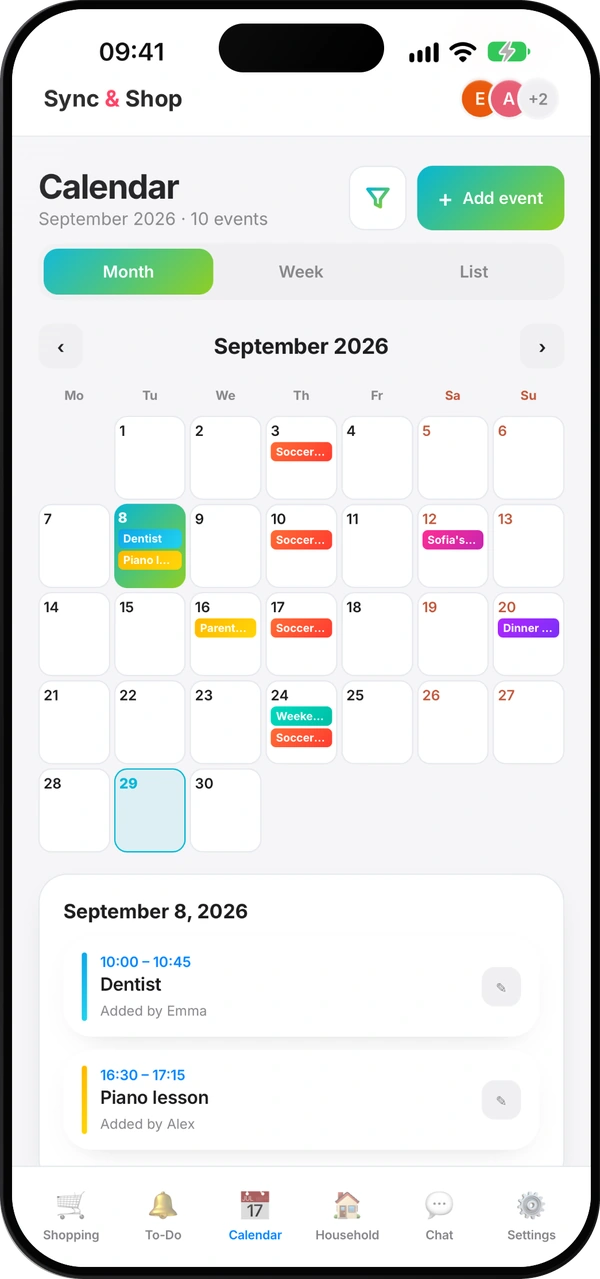
A family calendar that everyone actually uses
One shared calendar instead of five, what goes in it, and a ten-minute look ahead each week.